Advanced ChatGPT automation with dynamic templating
# ChatGPT Automator
Automate ChatGPT in your browser: type, send, wait, then run your code on the reply. Batch-friendly. Clean UI. Zero copy-paste.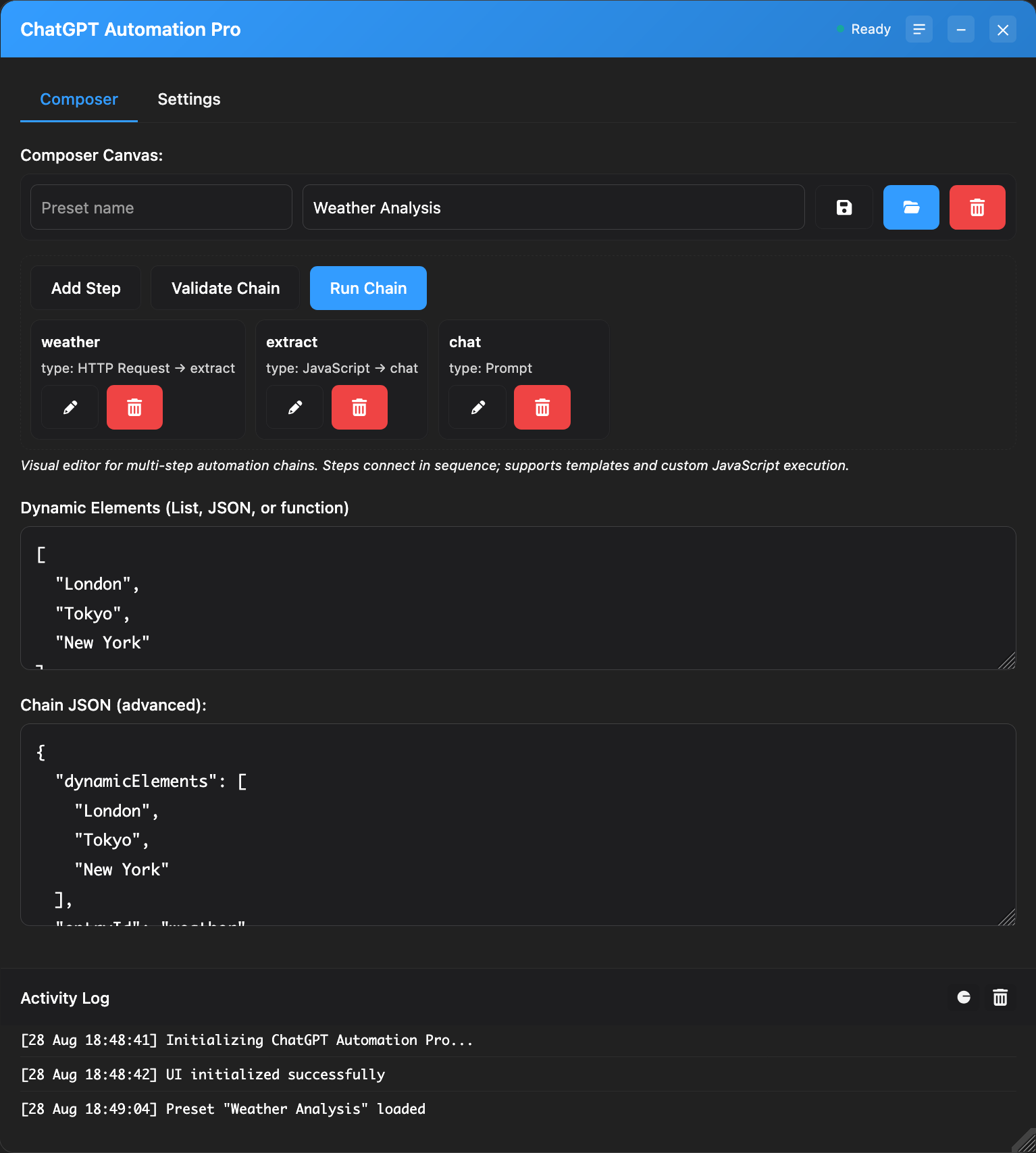
## What it does
- Types and sends your message automatically
- Waits for ChatGPT to finish, then runs your JavaScript
- Batch mode with templates: {item.foo}, {{index}}, nested paths
- Polished panel: tabs, progress, logs, dark mode, saved position
- CORS-safe HTTP helper to call any API from your code
## Quick start
1) Simple tab: paste a message → Send
2) Template tab: add Dynamic Elements (JSON array) and a message template → Send
3) Response (JS) tab: paste code that runs after the reply
Context available to your JS: response, log, console, item, index, total, http
## Handy prompt
- JSON-only output
```
You are a helpful assistant. Output valid JSON only with fields: title, summary. No extra text.
Topic: {item.topic}
```
## Call your APIs
Use the built-in `http` helper (form-encoded):
```js
await http.postForm('https://api.example.com/ingest', {
data: JSON.stringify({ response, item, index, total })
});
```
## License
MIT
