Shift Space Toggle Youtube CE Element

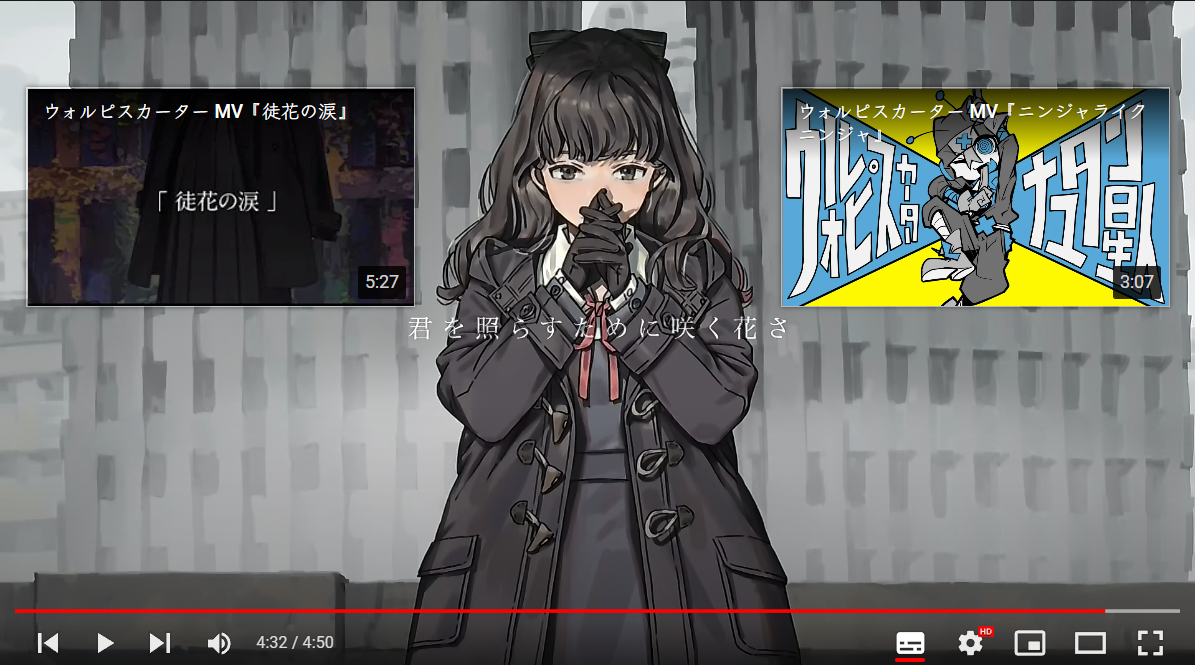
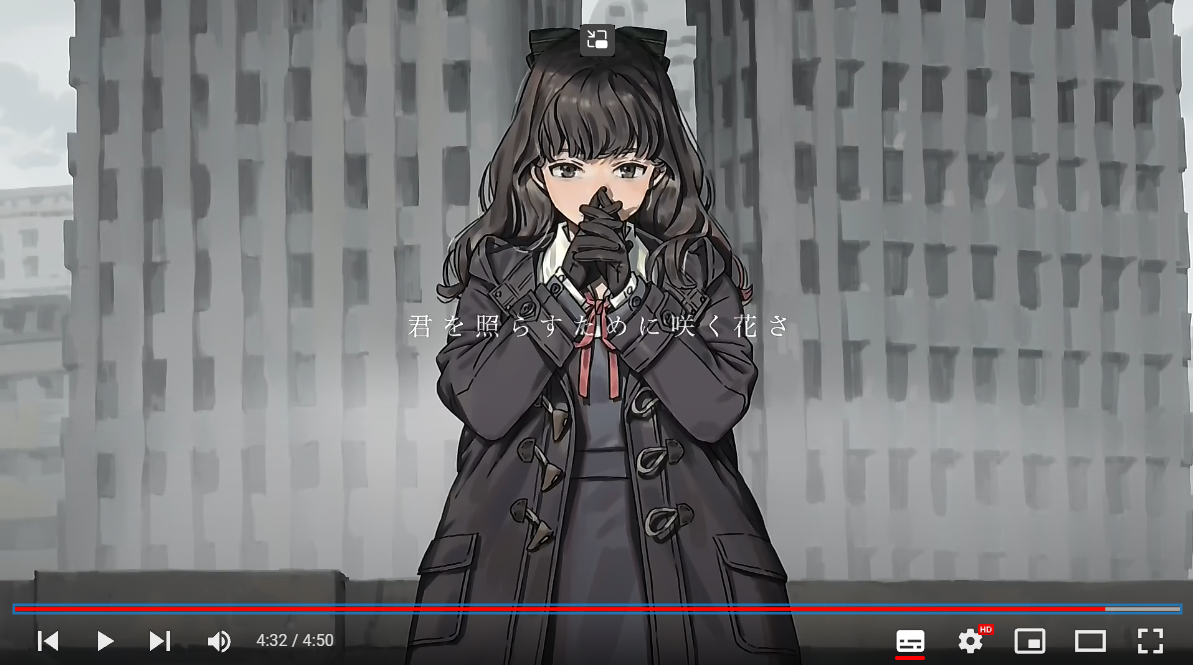
This is to toggle annoying Youtube CE Element near the end of the video

Від 14.08.2022. Дивіться остання версія.

You will need to install an extension such as Tampermonkey, Greasemonkey or Violentmonkey to install this script.

You will need to install an extension such as Tampermonkey to install this script.

You will need to install an extension such as Tampermonkey or Violentmonkey to install this script.

You will need to install an extension such as Tampermonkey or Userscripts to install this script.

You will need to install an extension such as Tampermonkey to install this script.

You will need to install a user script manager extension to install this script.

(У мене вже є менеджер скриптів, дайте мені встановити його!)

You will need to install an extension such as Stylus to install this style.

You will need to install an extension such as Stylus to install this style.

You will need to install an extension such as Stylus to install this style.

You will need to install a user style manager extension to install this style.

You will need to install a user style manager extension to install this style.

You will need to install a user style manager extension to install this style.

(I already have a user style manager, let me install it!)
Автор
𝖢𝖸 𝖥𝗎𝗇𝗀
Рейтинги
0 0 0
Версія
0.5
Створено
24.04.2022
Оновлено
14.08.2022
Size
4,1 кБ
Ліцензія
MIT
Відноситься до

Near the end of video, CE Element popup and block your watching.
Click Shift-Space to toggle !