Claude Prompt Enhancer

Use predefined prompts by custom command

You will need to install an extension such as Tampermonkey, Greasemonkey or Violentmonkey to install this script.

You will need to install an extension such as Tampermonkey to install this script.

You will need to install an extension such as Tampermonkey or Violentmonkey to install this script.

You will need to install an extension such as Tampermonkey or Userscripts to install this script.

You will need to install an extension such as Tampermonkey to install this script.

You will need to install a user script manager extension to install this script.

(I already have a user script manager, let me install it!)

You will need to install an extension such as Stylus to install this style.

You will need to install an extension such as Stylus to install this style.

You will need to install an extension such as Stylus to install this style.

You will need to install a user style manager extension to install this style.

You will need to install a user style manager extension to install this style.

You will need to install a user style manager extension to install this style.

(I already have a user style manager, let me install it!)

ئاپتورى
FishHawk
بۈگۈن قاچىلانغىنى
0
جەمئىي قاچىلانغىنى
159
باھا نومۇرى
0 0 0
نەشرى
2024.03.23
قۇرۇلغان ۋاقتى
2024-03-15
يېڭىلانغان ۋاقتى
2024-03-22
Size
698.6 KB
ئىجازەتنامىسى
GPL-3.0
قوللايدىغىنى

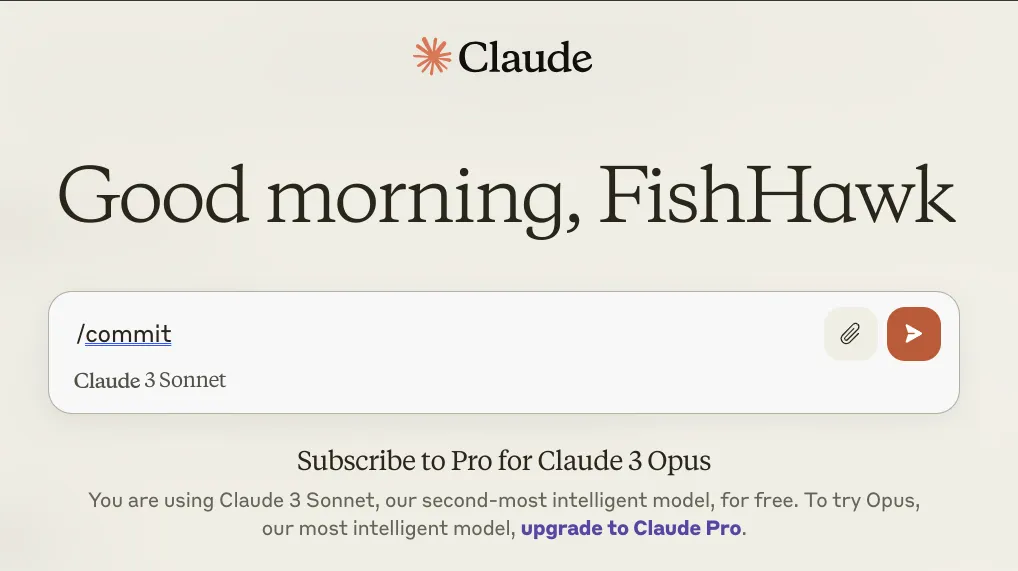
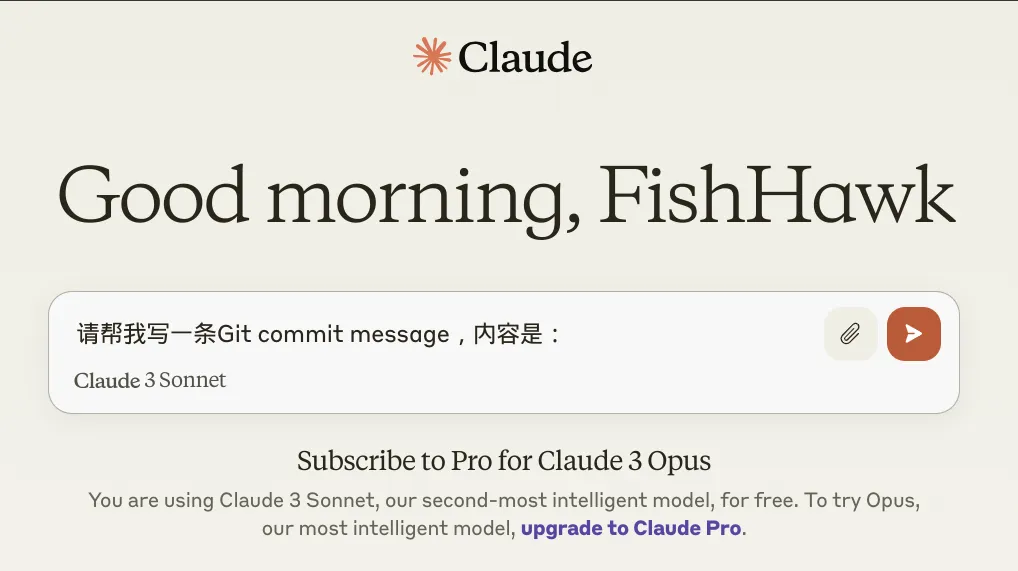
The Claude Prompt Enhancer allows you to quickly insert predefined prompts when using Claude. Simply type a slash command followed by a space in the input box, and the corresponding prompt will automatically expand. For example, typing /commit and pressing the space will replace it with Please help me write a Git commit message with the content:.

Input command /commit Generated Prompt
before after

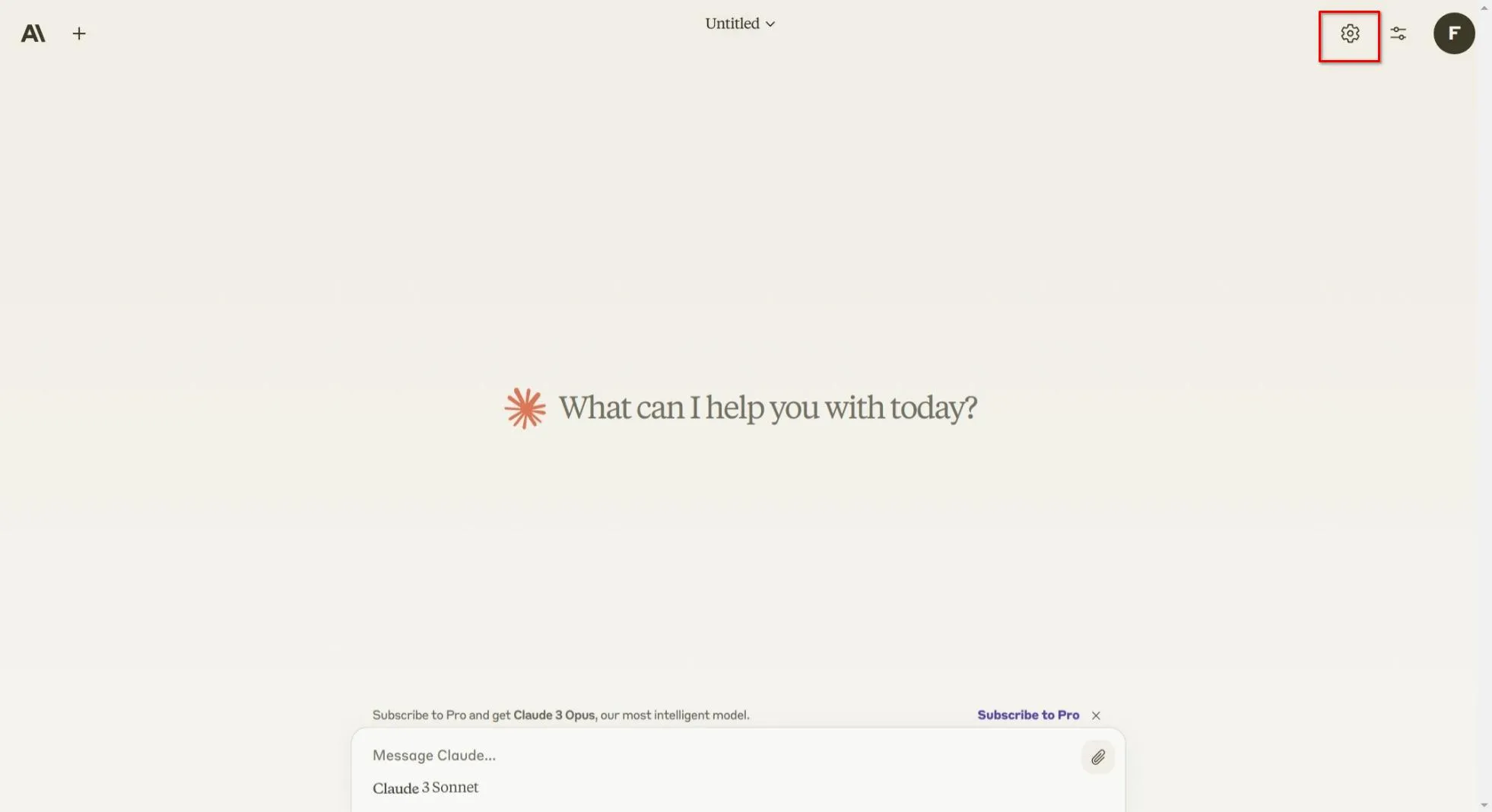
Setting button:

button

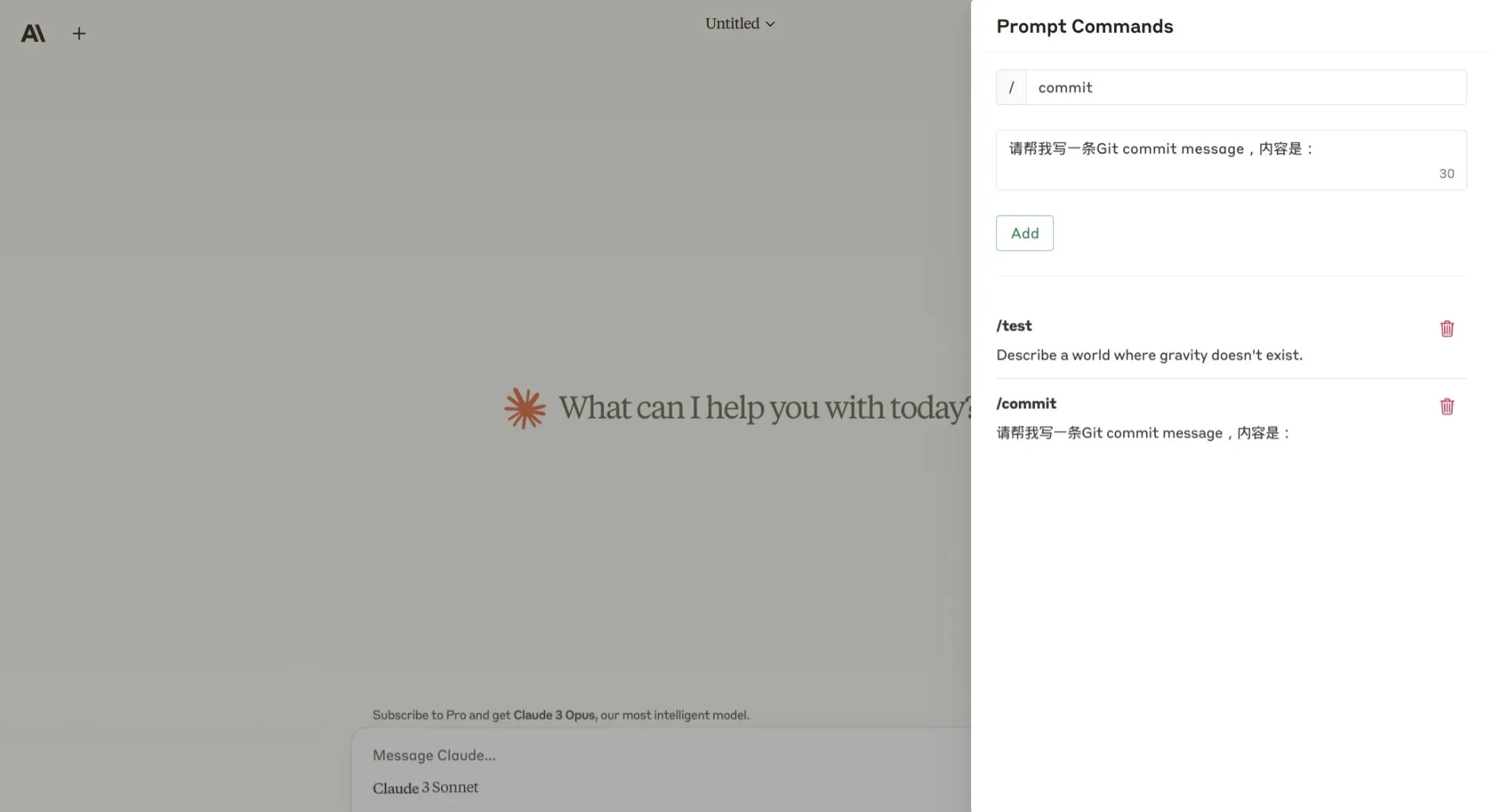
Prompt command editor:

editor