云展网PDF下载 YunZhanDownloader

从云展网下载PDF书籍

当前为 2024-01-01 提交的版本,查看 最新版本

您需要先安装一个扩展,例如 篡改猴Greasemonkey暴力猴,之后才能安装此脚本。

You will need to install an extension such as Tampermonkey to install this script.

您需要先安装一个扩展,例如 篡改猴暴力猴,之后才能安装此脚本。

您需要先安装一个扩展,例如 篡改猴Userscripts ,之后才能安装此脚本。

您需要先安装一款用户脚本管理器扩展,例如 Tampermonkey,才能安装此脚本。

您需要先安装用户脚本管理器扩展后才能安装此脚本。

(我已经安装了用户脚本管理器,让我安装!)

您需要先安装一款用户样式管理器扩展,比如 Stylus,才能安装此样式。

您需要先安装一款用户样式管理器扩展,比如 Stylus,才能安装此样式。

您需要先安装一款用户样式管理器扩展,比如 Stylus,才能安装此样式。

您需要先安装一款用户样式管理器扩展后才能安装此样式。

您需要先安装一款用户样式管理器扩展后才能安装此样式。

您需要先安装一款用户样式管理器扩展后才能安装此样式。

(我已经安装了用户样式管理器,让我安装!)

作者
Citron甜柠🍋
评分
0 0 0
版本
1.1
创建于
2023-12-31
更新于
2024-01-01
大小
5.2 KB
许可证
MIT
适用于

DownLoad PDF book from YUNZHAN365

For Study and research use only

Features

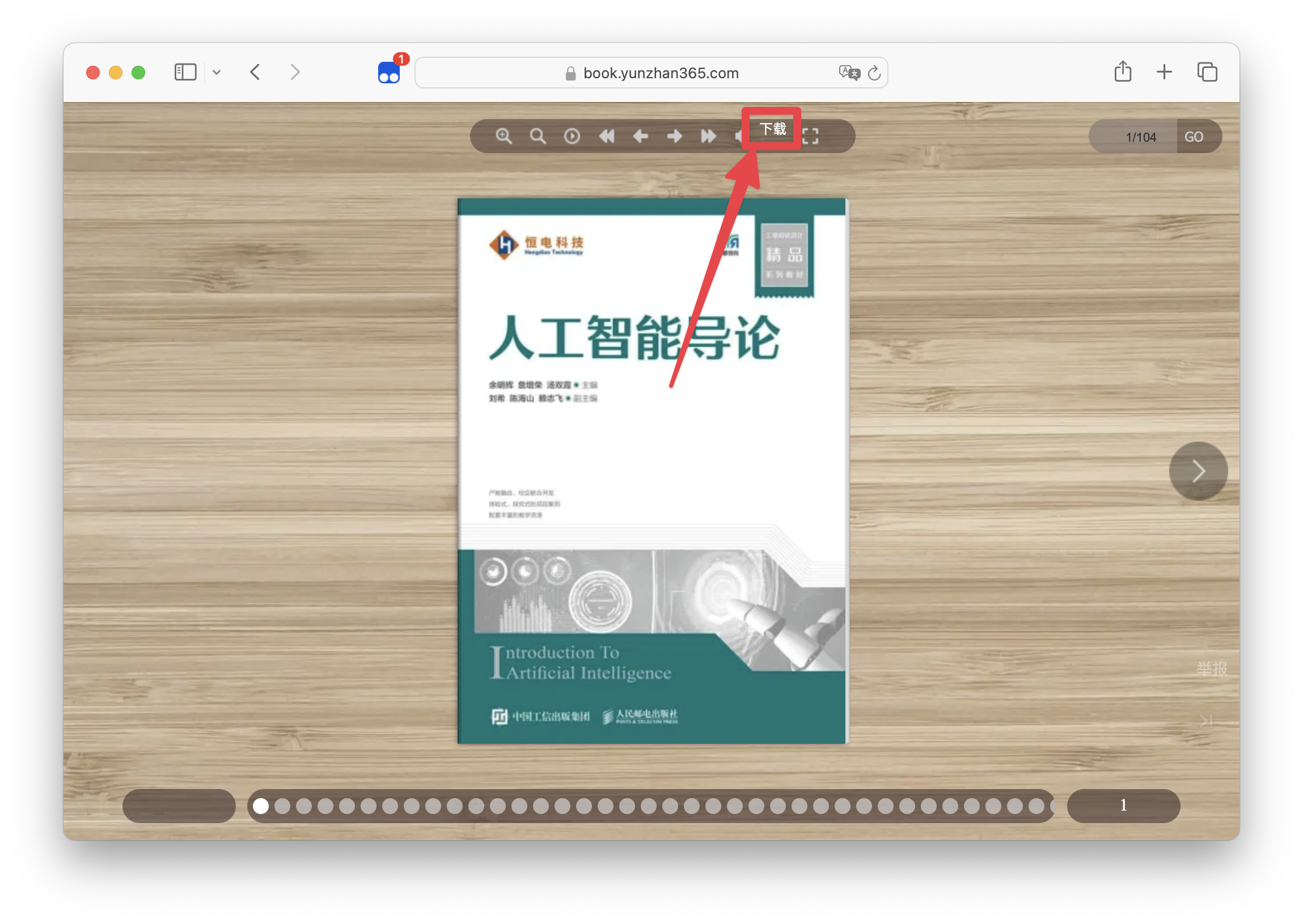
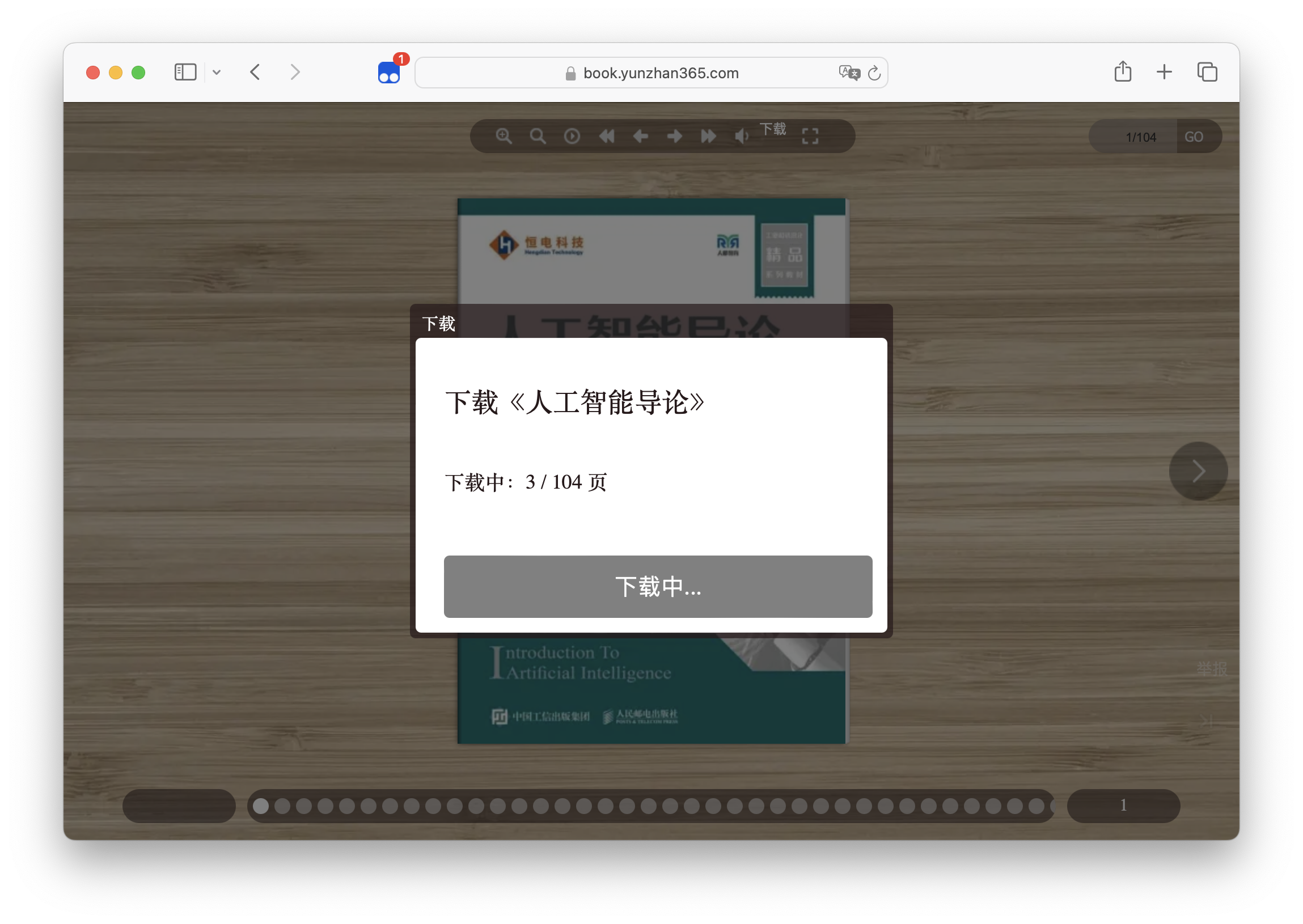
The download button will appear in the upper right corner of the book page. Download Button After clicking the download button, a dialog box will pop up to confirm the book information to be downloaded. Downloading Dialog Waiting for the download to complete. When the download is complete, the save button will appear in the lower center of the page.
Install UserScript Manager

Install UserScript

Usage

  • Open the book page
  • Click the Download button in the upper right corner
  • Confirm the book information to be downloaded
  • Click the Download button in the lower center
  • Wait for the download to complete
  • Enjoy it

Support

  • [x] PDF

Thanks