Chess.com Bot/Cheat that finds the best move with evaluation bar and ELO control!
Per
A powerful browser extension that enhances Chess.com with integrated Stockfish analysis, providing professional-level move suggestions, evaluation, and automated play options. 🚀
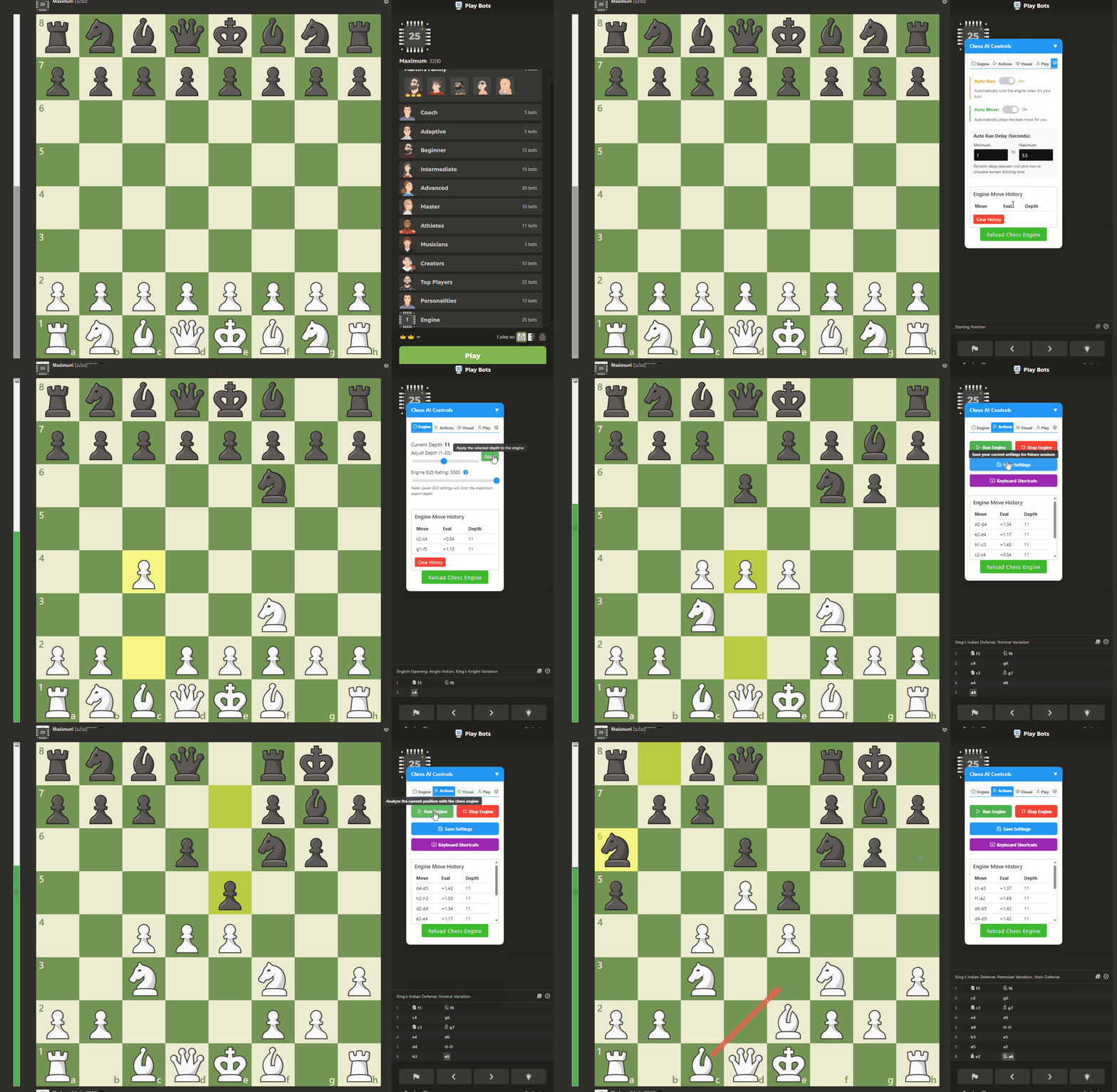
New Feature: Chess AI now supports an external window interface that allows you to control the engine from a separate window or tab, providing a cleaner Chess.com experience and more advanced visualization options!
Install a userscript manager:
Install Chess AI by clicking here
Visit Chess.com and the tool will automatically activate 🎉
The settings panel provides access to all features and is organized into tabs:
The external window interface has its own settings tabs:
Makes the engine play with human-like characteristics:
When enabled, automatically adjusts engine strength to match your opponent's rating, creating a fair and balanced experience.
The external window feature allows you to open the Chess AI controls in a separate window or tab:
Setup:
python chess_ai_server.pyFeatures:
Benefits:
| Key | Function | Strength Level |
|---|---|---|
| Q-E | Depths 1-3 | Beginner |
| R-P | Depths 4-10 | Intermediate |
| A-G | Depths 11-15 | Advanced |
| H-L | Depths 16-19 | Expert |
| Z-M | Depths 20-26 | Master |
| = | Maximum depth | Grandmaster |
This tool is intended for analysis, learning, and casual play. Using automated tools in rated games may violate Chess.com's terms of service. Use responsibly and at your own risk.
This project is for personal use only and not for redistribution.
