Disable YouTube AutoPause

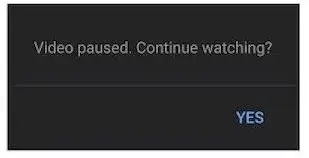
"Video paused. Continue watching?" and "Still watching? Video will pause soon" will not appear anymore.

Versione datata 07/07/2025. Vedi la nuova versione l'ultima versione.

Dovrai installare un'estensione come Tampermonkey, Greasemonkey o Violentmonkey per installare questo script.

You will need to install an extension such as Tampermonkey to install this script.

Dovrai installare un'estensione come Tampermonkey o Violentmonkey per installare questo script.

Dovrai installare un'estensione come Tampermonkey o Userscripts per installare questo script.

Dovrai installare un'estensione come ad esempio Tampermonkey per installare questo script.

Dovrai installare un gestore di script utente per installare questo script.

(Ho già un gestore di script utente, lasciamelo installare!)

Dovrai installare un'estensione come ad esempio Stylus per installare questo stile.

Dovrai installare un'estensione come ad esempio Stylus per installare questo stile.

Dovrai installare un'estensione come ad esempio Stylus per installare questo stile.

Dovrai installare un'estensione per la gestione degli stili utente per installare questo stile.

Dovrai installare un'estensione per la gestione degli stili utente per installare questo stile.

Dovrai installare un'estensione per la gestione degli stili utente per installare questo stile.

(Ho già un gestore di stile utente, lasciamelo installare!)

Autore
𝖢𝖸 𝖥𝗎𝗇𝗀
Valutazione
0 0 0
Versione
2025.07.07.002
Creato il
27/12/2022
Aggiornato il
07/07/2025
Dimensione
11,2 KB
Licenza
MIT
Applica a

#No Auto Pause #No Confirm Continue Watching #Continue Playing Music Songs in background #Yes I am Here #Yes I'm here #youtube continue play

YouTube Music version: Disable YouTube Music AutoPause


This Userscript is to disable the YouTube built-in feature that showing "Video paused. Continue watching?" and "Still watching? Video will pause soon" after being inactive for a while.

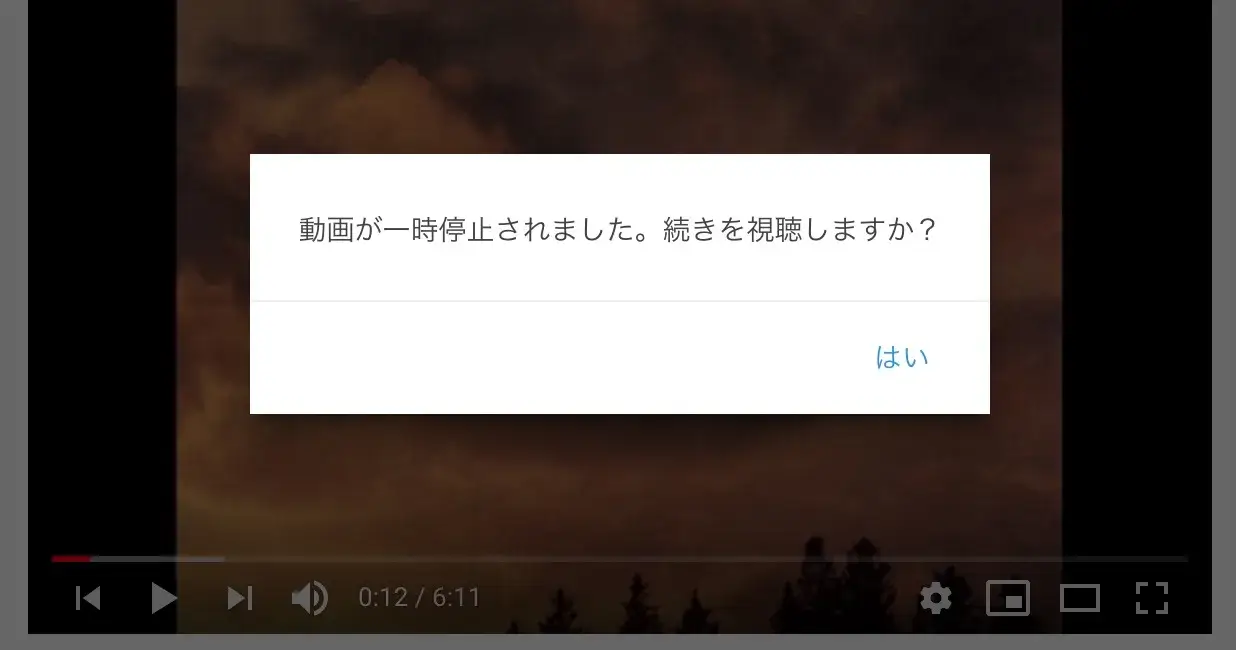
このUserscriptは、「動画が一時停止されました。続きを視聴しますか?」と「視聴を続けていますか?動画がまもなく一時停止されます」 という YouTube の組み込み機能を無効にします。

此Userscript用於停用 YouTube 內置的「影片已暫停,要繼續觀賞嗎?」和「你還在螢幕前嗎?影片即將暫停播放」。


Suggested Related Scripts

Remarks:
window._lact and window._fact will not be changed which might affect the YouTube scheduling engine's coding.

Userscripts with Similar Functions but different implementations:
_lact removal: https://greasyfork.org/en/scripts/447802-youtube-web-tweaks/
youthereDataChanged_ & youThereData_ removal: https://greasyfork.org/en/scripts/401348-yes-i-m-here-youtube/
#confirm-button clicking: https://greasyfork.org/en/scripts/391504-youtube-video-paused-continue-watching-nuker
Simulated Clicking and document page hacking: https://greasyfork.org/en/scripts/390352-youtube-stay-active-and-play-forever

The key point is the youthereDataChanged_().

Test: https://www.youtube.com/watch?v=6AC6XoDK6eo

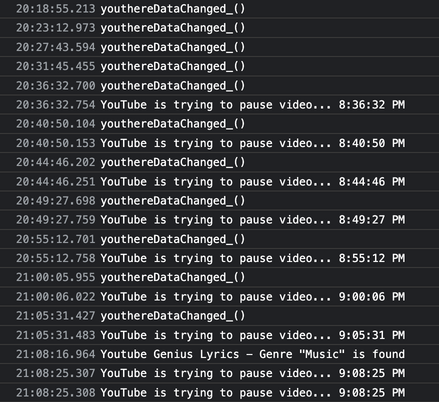
Result1:
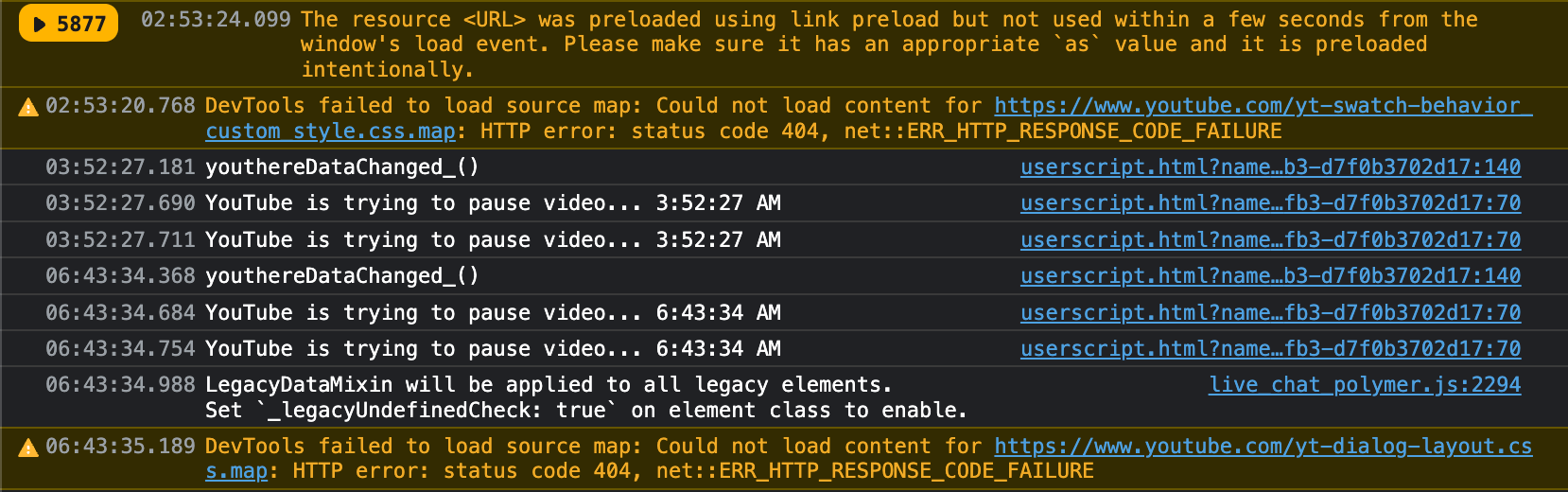
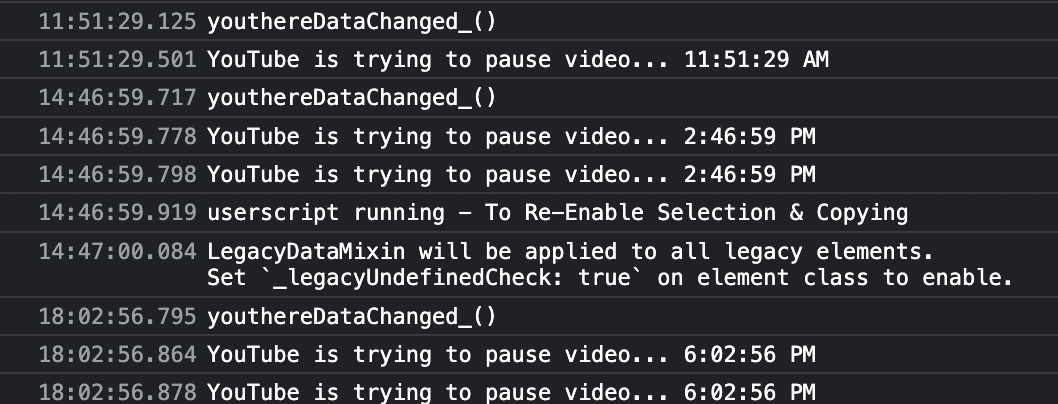


Result 2:
Playlist: LoveLive! 強迫症專用µ's全曲完美歌單