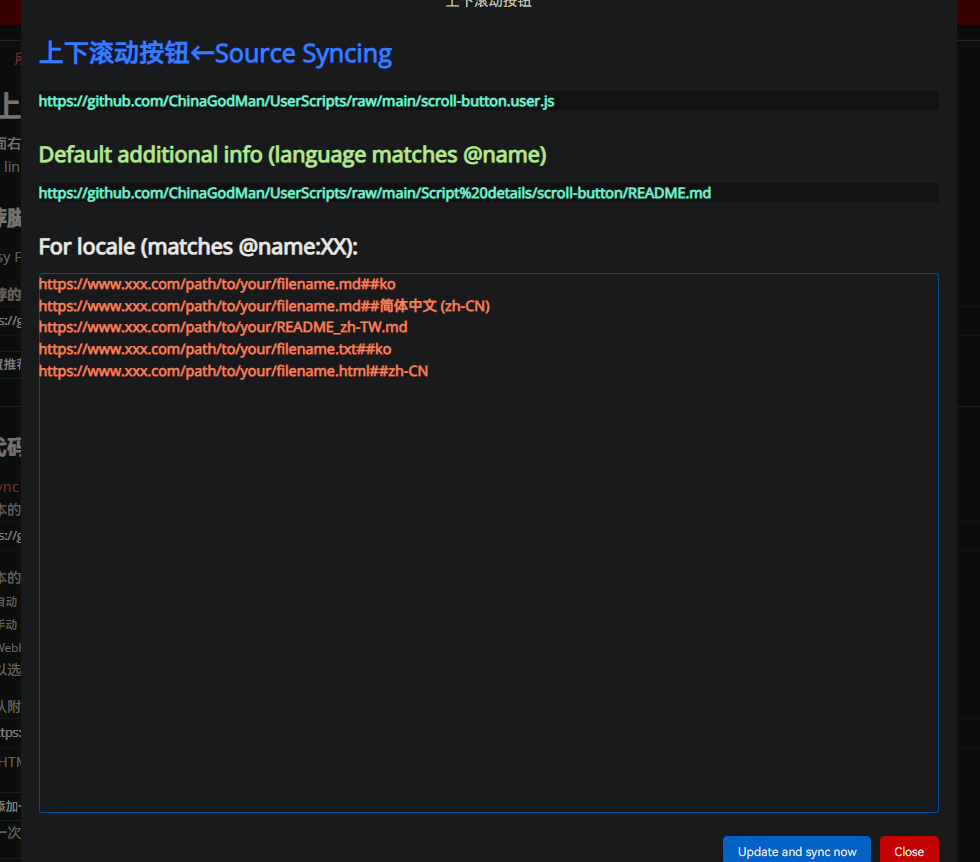
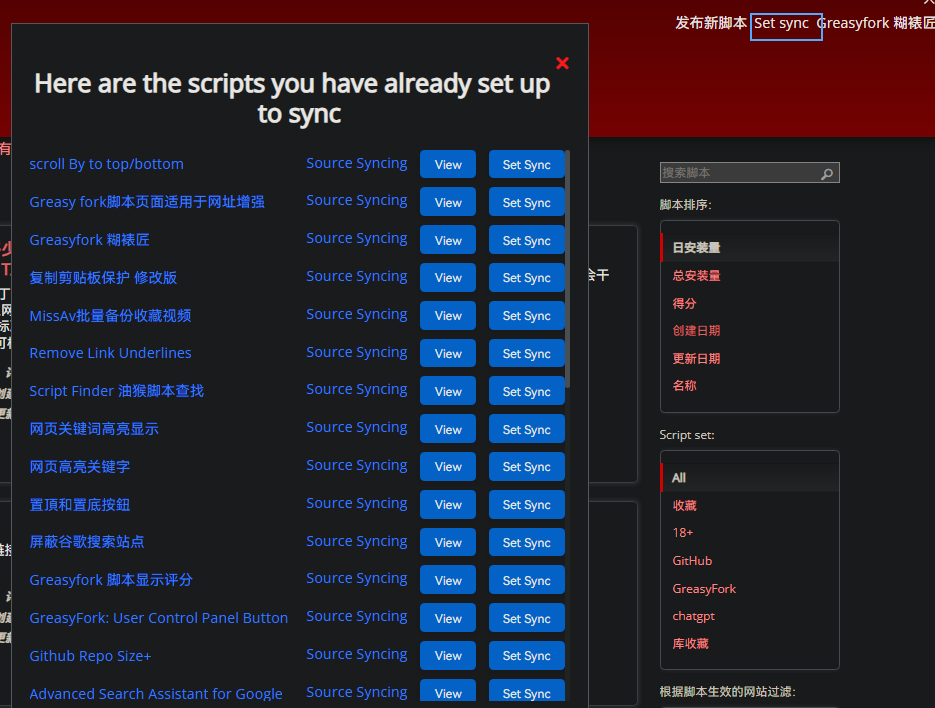
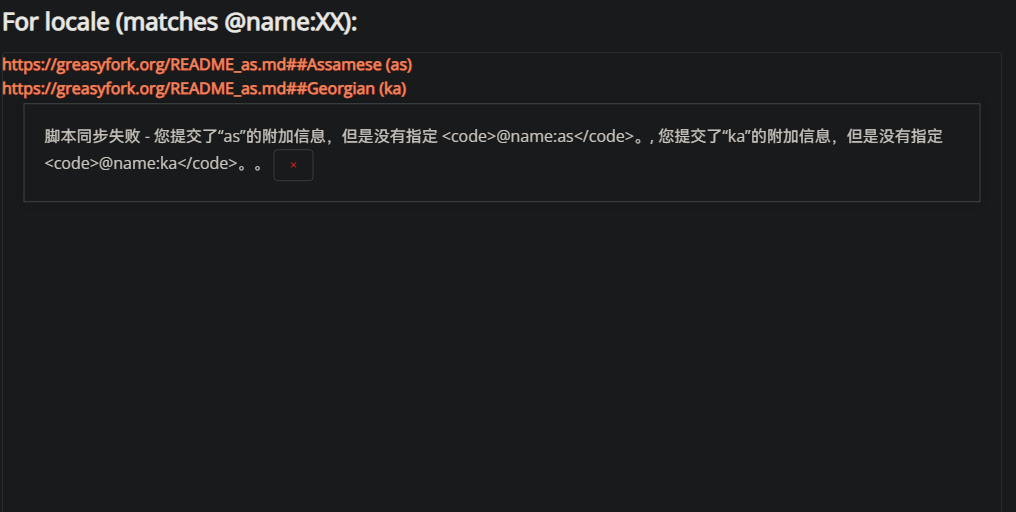
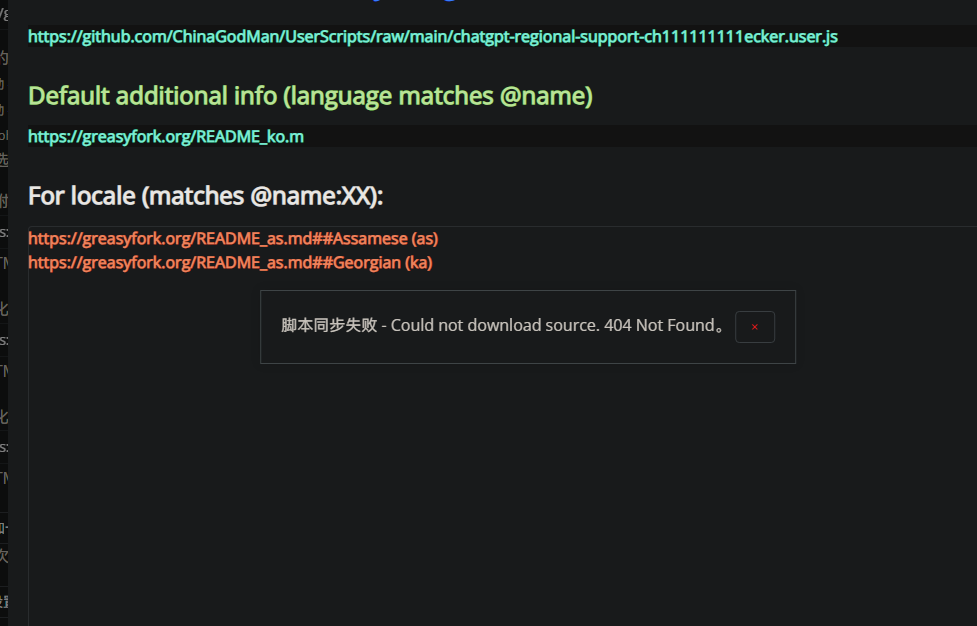
Quickly input script sync information and batch add language codes for multiple countries without the need to click
Versión del día






「 This script can help you quickly enter script synchronization information,And add language codes for multiple countries in batches,Instead of clicking the selection boxes one by one and going to the corresponding URL。 」

Download:Github | ⭐Greasy Fork
When setting up synchronization information on GreasyFork, you might often find that after submitting, the sync information hasn't been successfully saved, requiring you to re-enter it. This is one of the small issues with the website. To solve this problem, this script helps you quickly input script synchronization information and batch-add multiple country language codes without having to click on each checkbox and then go to the corresponding URL.
Currently, the following three formats are supported:
README_xxx.md.
https://www.xxx.com/path/to/your/README_xxxxx.md
https://www.xxx.com/path/to/your/filename.md##ko https://www.xxx.com/path/to/your/filename.md##simplebodymiddlearts (zh-CN) Example code: If you have more options, you can extend it.
let localeKey = url.includes('##') ? url.match(/##.*\((.*?)\)$/) || url.match(/##(.*?)$/) : url.match(/README_(.*?)\.md/)