acwing-helper

AcWing 助手,学算法就上 AcWing!| 题目复制 | 生成题解模板 | 切换页面风格 (AcWing <-> LeetCode) | 复制代码 | 题目直接跳转

Version vom 26.07.2022. Aktuellste Version

Du musst eine Erweiterung wie Tampermonkey, Greasemonkey oder Violentmonkey installieren, um dieses Skript zu installieren.

You will need to install an extension such as Tampermonkey to install this script.

You will need to install an extension such as Tampermonkey or Violentmonkey to install this script.

You will need to install an extension such as Tampermonkey or Userscripts to install this script.

You will need to install an extension such as Tampermonkey to install this script.

Sie müssten eine Skript Manager Erweiterung installieren damit sie dieses Skript installieren können

(Ich habe schon ein Skript Manager, Lass mich es installieren!)

You will need to install an extension such as Stylus to install this style.

You will need to install an extension such as Stylus to install this style.

You will need to install an extension such as Stylus to install this style.

You will need to install a user style manager extension to install this style.

You will need to install a user style manager extension to install this style.

You will need to install a user style manager extension to install this style.

(I already have a user style manager, let me install it!)

Autor
tonngw
Bewertungen
0 0 0
Version
1.1.4
Erstellt am
03.05.2022
Letzte Aktualisierung
26.07.2022
Größe
16,9 KB
Lizenz
MIT
Wird angewandt auf

如果这个插件在使用的过程中对你有所帮助,请帮我在仓库 https://github.com/tonngw/acwing-helper 中点个 Star,这对我很有帮助,谢谢~

兄弟插件 leetcode-helper: https://greasyfork.org/zh-CN/scripts/444408-leetcode-helper

介绍

写这个脚本的初衷是为了方便在 AcWing 上写题解,每次复制题目描述再修改格式就是一件比较头疼的事情,其实很早之前在写题解的时候就萌生了这个想法,但一直没有动手去做,总觉得太难不好实现。这次花了几天时间边学边查总算写出来了。另外还添加了一些比较实用的功能,我相信 AcWing 的小伙伴们应该会喜欢的。
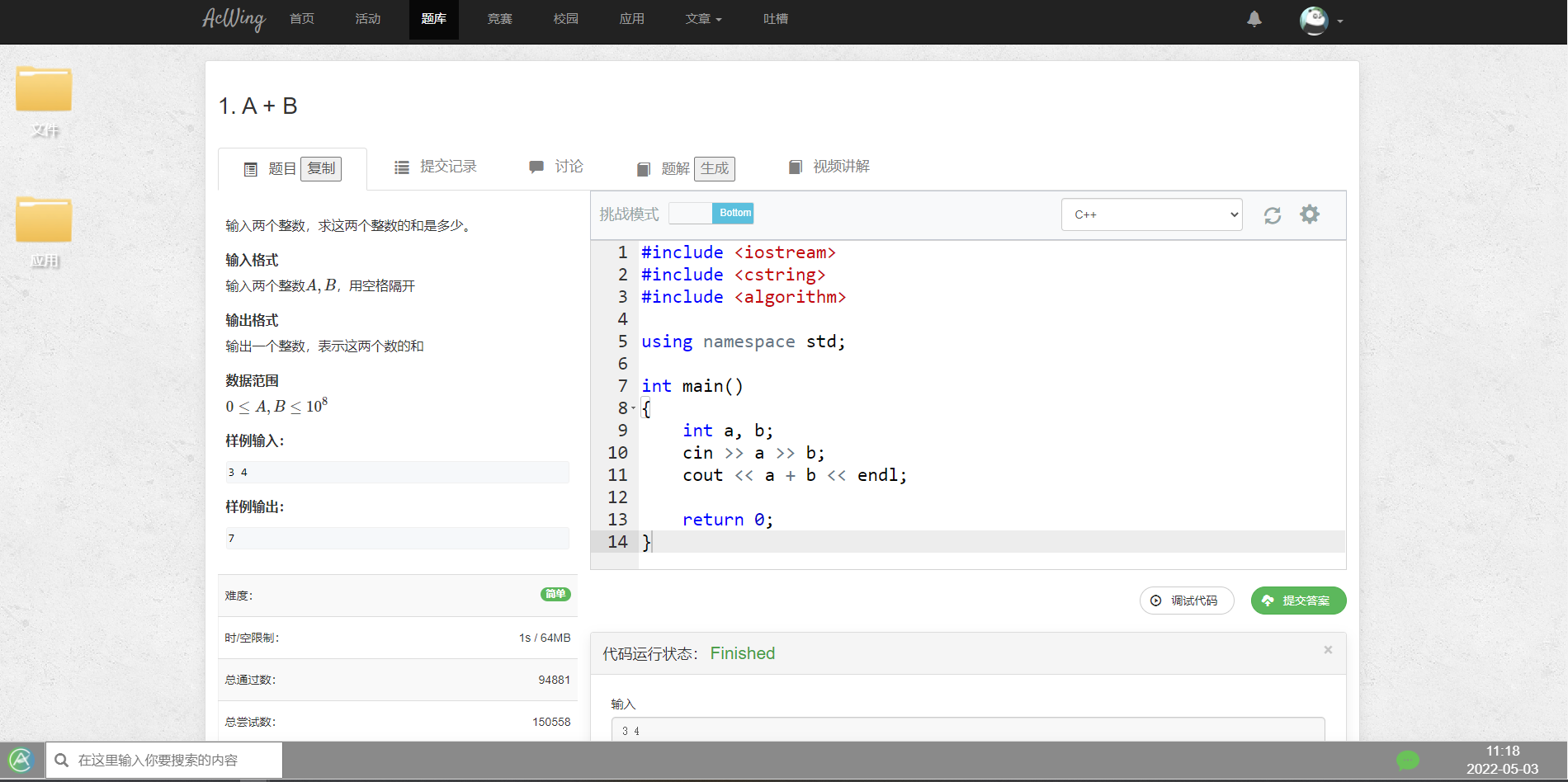
image-20220503111832351.png

功能

  1. 复制题目描述,并存入剪切板

  2. 复制题目描述生成当前题目的题解模板,并存入剪切板

    大多数情况下一道题目只会写一种做法,这里提供了一套简洁的模板,模板来自 AcWing

  3. 切换页面风格,AcWing <-> LeetCode

  4. 复制代码(目前只支持 */code/* 目录下的代码,即从打卡页面点击题目查看相关代码)

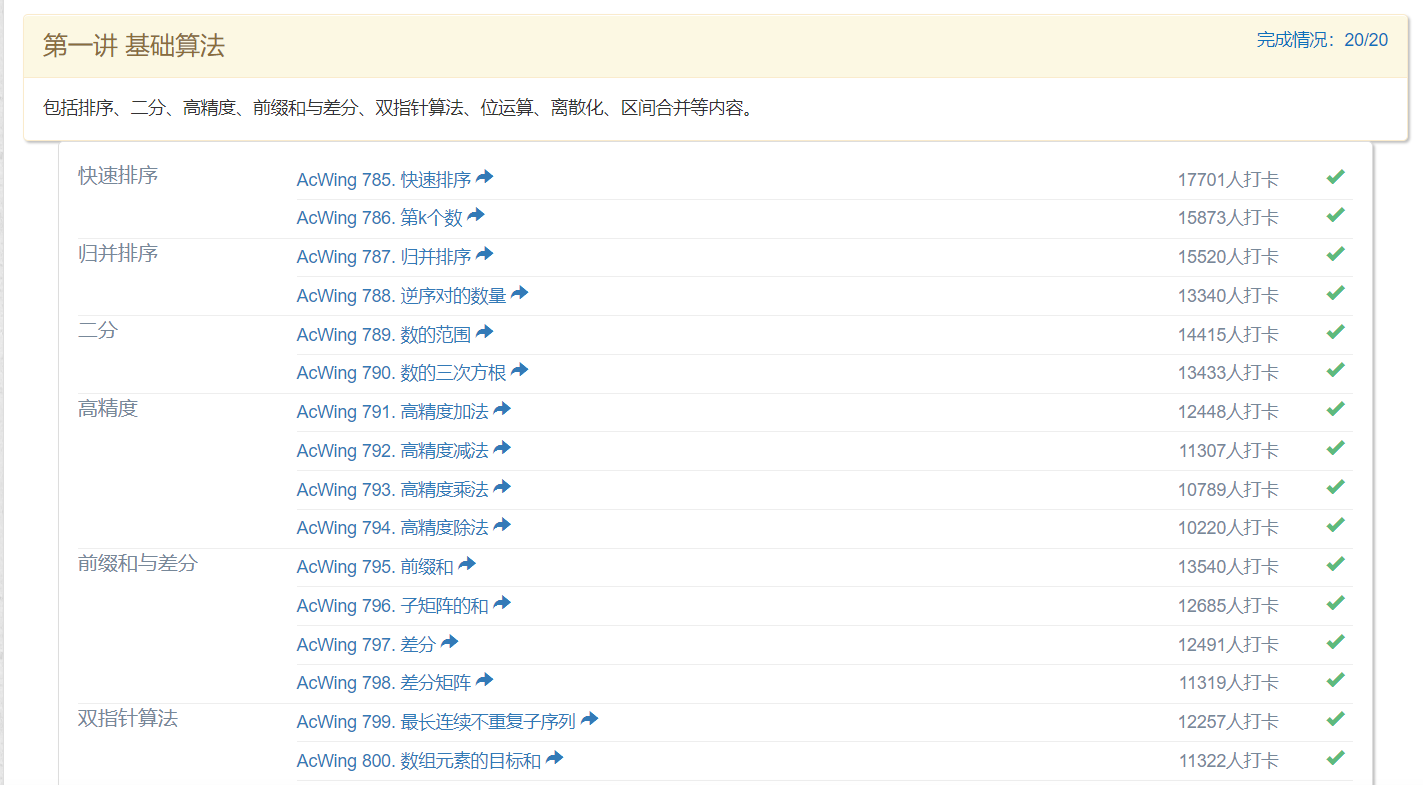
  5. 活动打卡页面直接跳转到题目页面(支持所有活动)

  6. 在题目内容页面内打开题目

  7. 快捷键快速调试代码

安装

环境:

  1. Chrome 浏览器 / Edge 浏览器
  2. 安装 Tampermonkey 油猴插件,这块大家自行搜索安装,网上有很多教程。

Option 1:直接在 https://greasyfork.org/zh-CN 搜索 acwing-helper,安装即可。

Option 2:脚本源代码已经放在了 我的 GitHub 上,可以复制自行安装,如果对大家有帮助别忘了点个 Star 吖~。

如何使用

快捷键「推荐」

为前三个常用功能绑定了快捷键

  • 功能 1 - Alt + T(timu)
  • 功能 2 - Alt + C(copy)
  • 功能 3 - Alt + S(split)

大家可以自行在源代码中修改快捷键

页面按钮

  • 功能 1 - 题目「复制」

image-20220503103834168.png

  • 功能 2 - 题解 「生成」

image-20220503103912747.png

  • 功能 3 - 代码编辑器 - 挑战模式 「Right | Bottom」

image-20220503104001484.png

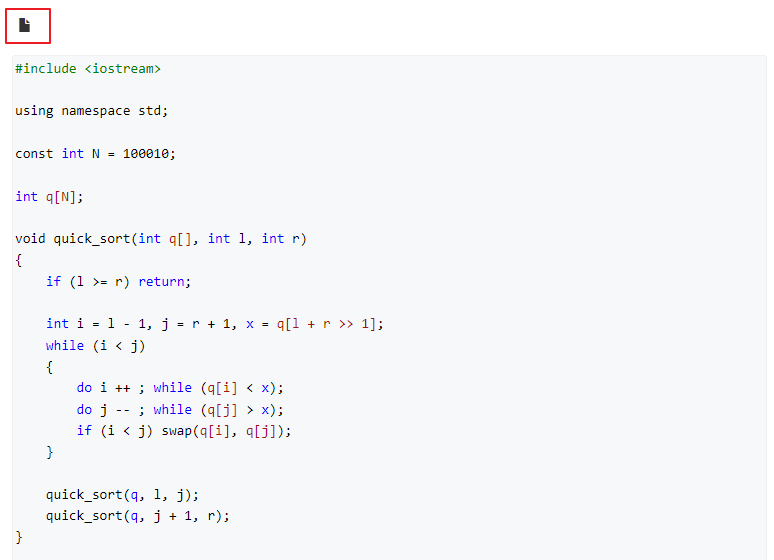
  • 功能 4 - 代码块左上角「复制图标」

snipaste20220620_185952.png

  • 功能 5 - 每道题目后面的蓝色跳转按钮

image-20220528151423918.png

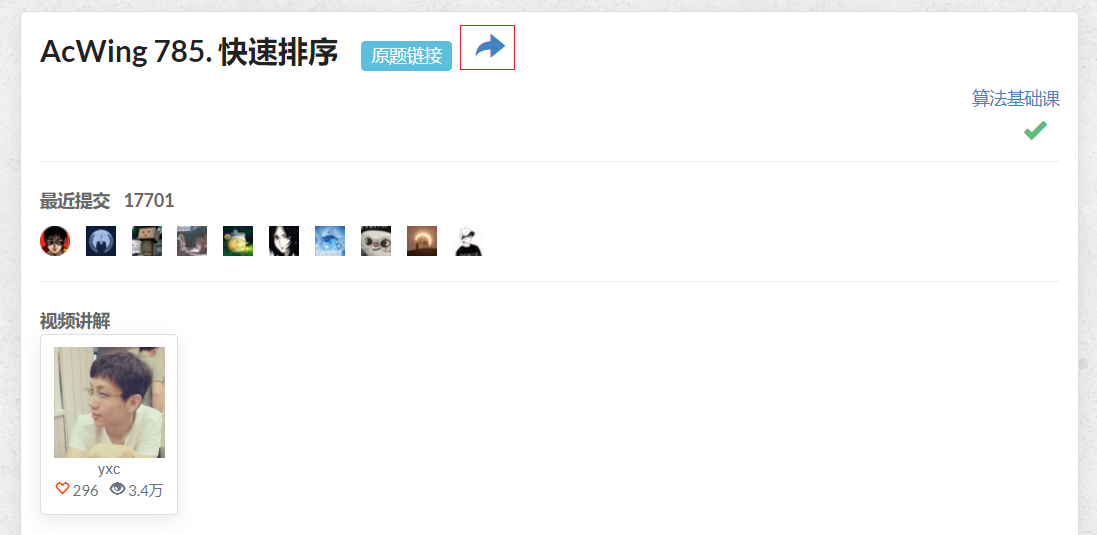
  • 功能 6 - 原题链接后面的蓝色打开按钮

image-20220528152320934.png

  • 功能 7 - F9 调试代码,F10 提交代码

右键菜单

右键 - Tampermonkey,可以看到 acwing-helper 提供的功能。
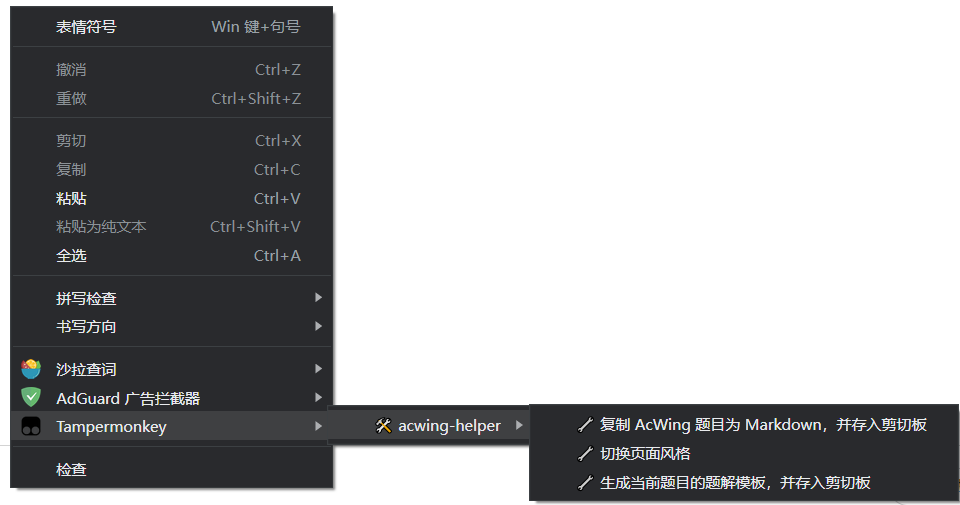
image-20220503103634672.png

插件栏

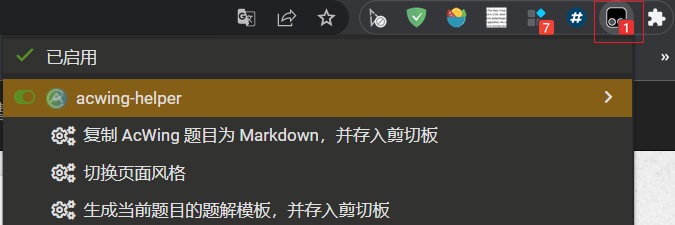
点击油猴插件,可以看到 acwing-helper 提供的功能。

image-20220503104645827.png

致谢

感谢以下作者提供的思路,感谢 AcWing 提供的算法学习平台!

版权声明

关于 AcWing 上的内容商业转载请联系作者获得授权,非商业转载请注明出处。

参考资料