Transparent Navigation Bar

Transform supported site's navigation bar into an acrylic nav bar.

Fra og med 22.04.2021. Se den nyeste version.

You will need to install an extension such as Tampermonkey, Greasemonkey or Violentmonkey to install this script.

You will need to install an extension such as Tampermonkey to install this script.

You will need to install an extension such as Tampermonkey or Violentmonkey to install this script.

You will need to install an extension such as Tampermonkey or Userscripts to install this script.

You will need to install an extension such as Tampermonkey to install this script.

You will need to install a user script manager extension to install this script.

(I already have a user script manager, let me install it!)

You will need to install an extension such as Stylus to install this style.

You will need to install an extension such as Stylus to install this style.

You will need to install an extension such as Stylus to install this style.

You will need to install a user style manager extension to install this style.

You will need to install a user style manager extension to install this style.

You will need to install a user style manager extension to install this style.

(I already have a user style manager, let me install it!)

Skaber
ShingZhanho
Bedømmelser
0 0 0
Version
0.1.0.2
Oprettet
22.04.2021
Opdateret
22.04.2021
Size
3,9 kB
Licens
N/A
Gælder for
Alle hjemmesider

transparent-nav.js

What is this?

A tampermonkey user script which generates webpages' navigation bar to acrylic-material.
How to use?

  1. To use user scripts, you will need a browser extension that executes GreasyFork scripts. These are the common extensions for different browsers:
  2. Once you installed the extension, you can click here to install this user script. Make sure you enable the script so that the script can run on different websites.
  3. Encounters problems? Don't hesitate to ask on the discussion page!

Showcase

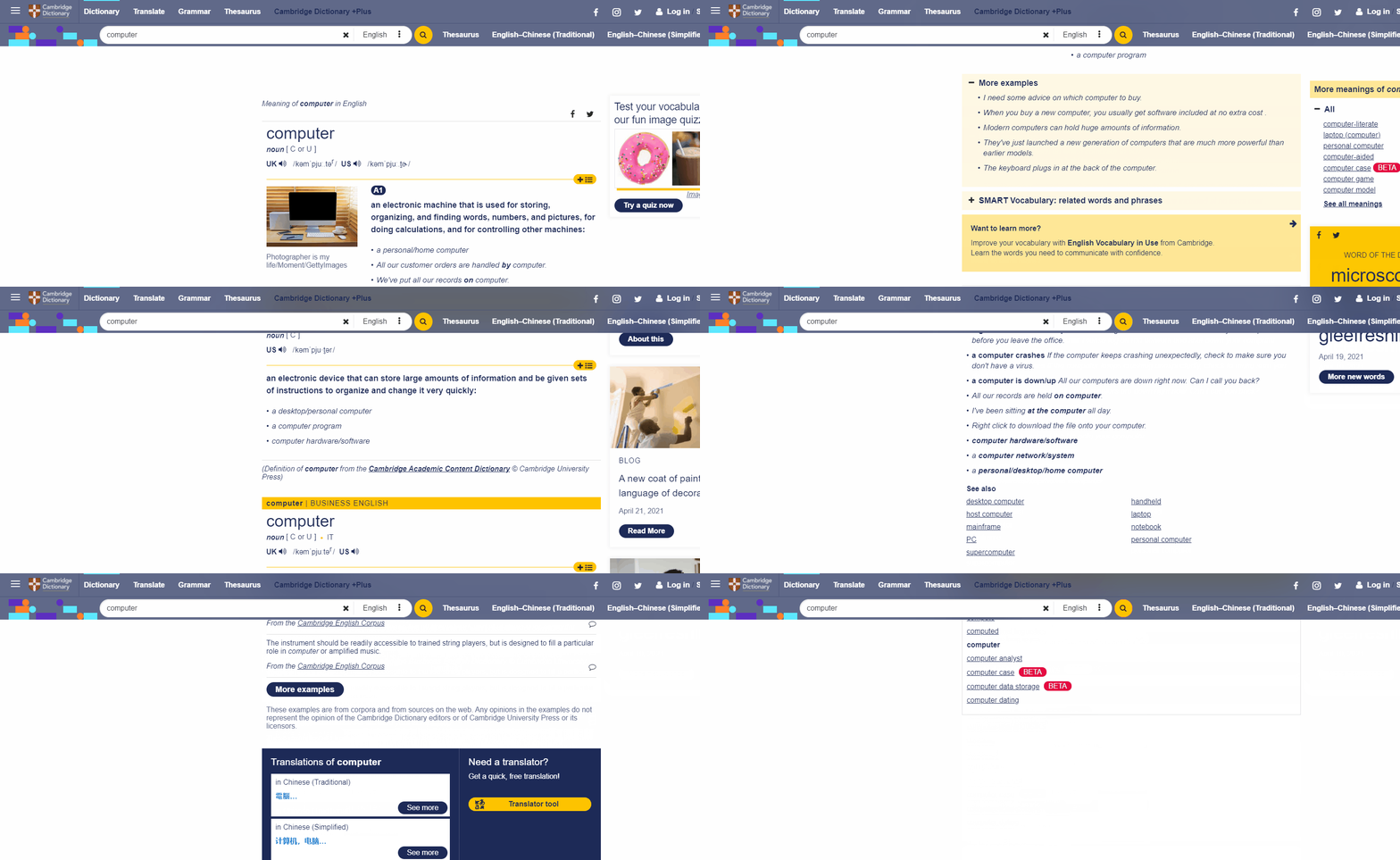
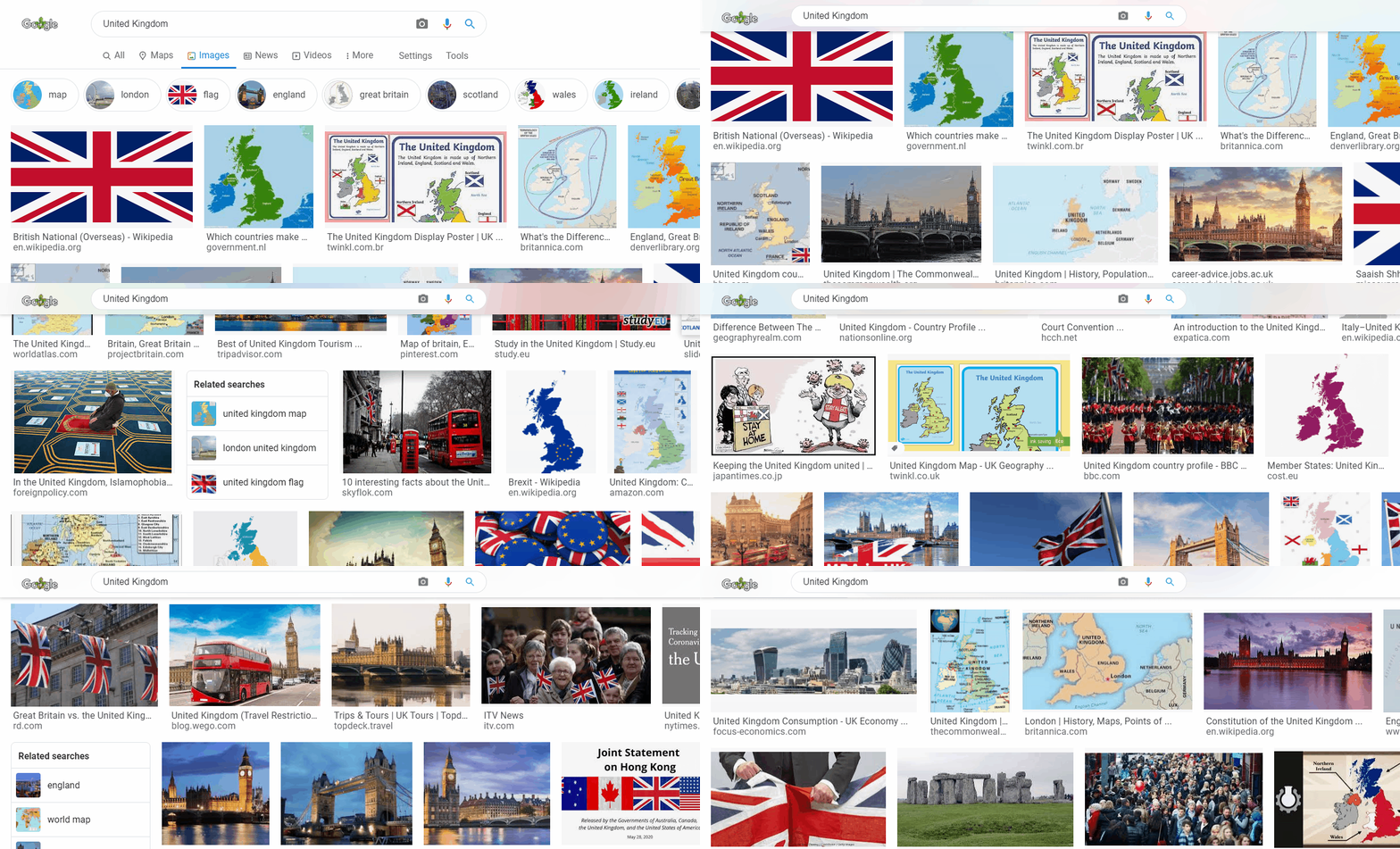
Effect preview 1 Effect preview 2

Compatibility

The transparent effects rely on the backdrop-filter property of css. Thus, your browser need to support that property. Please note that Firefox does not support backdrop-filter by default, you may need to enable that option manually.

Supported Websites

Here are the supported websites of this script:

Website Name URL Remarks
Cambridge Dictionary dictionary.cambridge.org
Google Classroom classroom.google.com
Google Search www.google.*/search This applies to all area's Google search, i.e. www.google.co.uk, www.google.com.hk etc.
UK Royal Family Website www.royal.uk
W3Schools www.w3schools.com
YouTube www.youtube.com